
Webinar Email Automation
Automate Webinar Confirmations, Reminders, and Follow-Up
Every registrant gets the right email at the right moment: a confirmation, reminders, a notice when you go live and a follow-up after the session, all in the event language. Each email is pre-written for its purpose; you pick the tone, preview it and decide which automations run.
REACH
Every Registration Enters the Same Sequence
Wherever a registration comes from, your own channels or an Audience Boost invitation, it enters the same confirmation and reminder sequence.
- 01
Share the Event Link
Post the event address in your newsletter, social channels, partner pages or sales emails. Each registration is confirmed the moment it lands.
- 02
Reach New People With Audience Boost
Set the audience filters and schedule the invitation. JakoMeet sends it to matching professionals from its network, and those who register join the sequence like everyone else.
- 03
See Where Registrants Came From
Each registrant keeps a source: direct, organic sharing, Audience Boost or, on Growth, on-demand replay registration. The report shows which route filled the room.
directEvent linkorganicShared postboostAudience BoostThe Webinar Email Sequence
Five Emails, One Sequence
Five emails cover the whole webinar, from the invitation to the follow-up. Each one is pre-written for its purpose and filled with the event details.
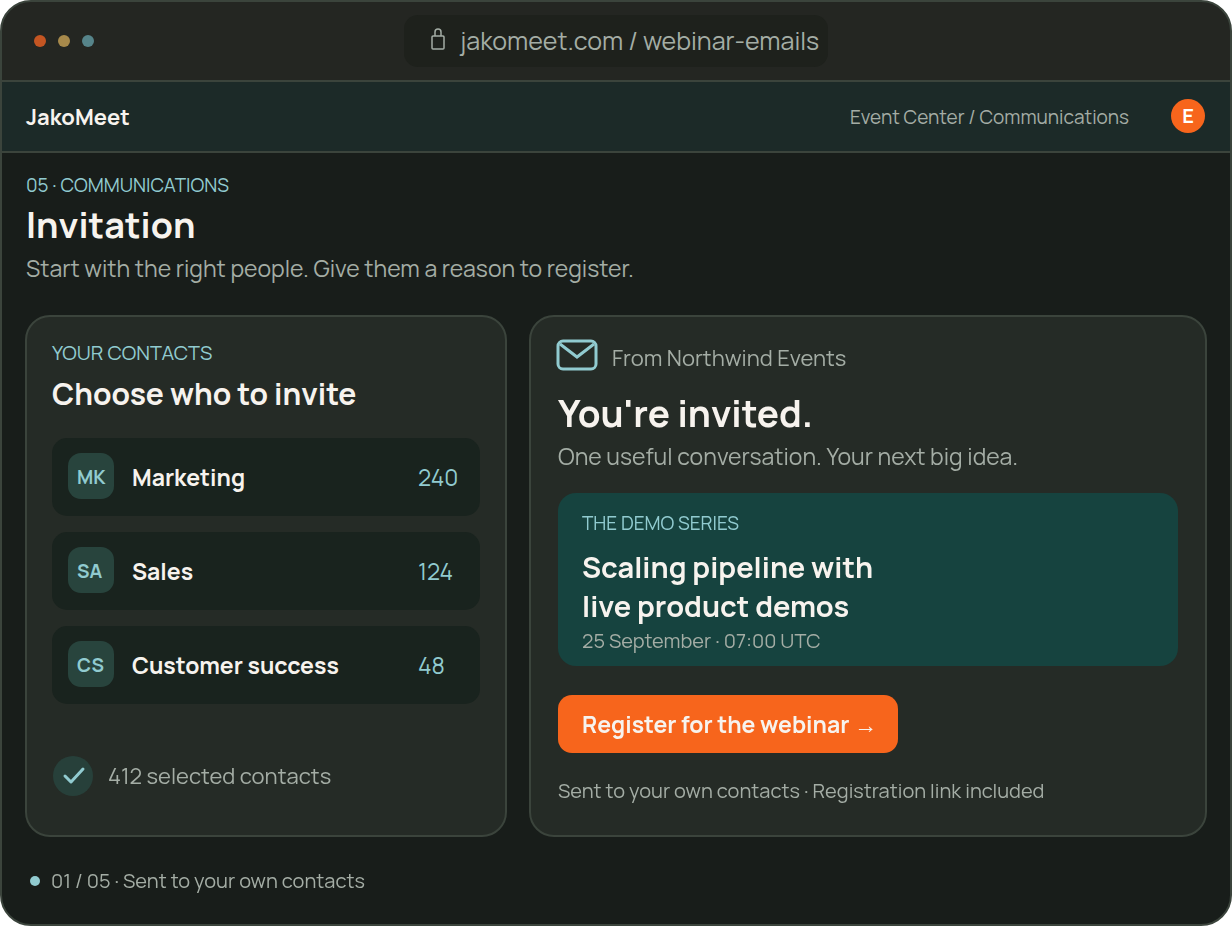
MESSAGE 01 / 05
Audience Boost Invitation
Audience Boost introduces the webinar to matching professionals and links straight to the registration page.
Sent by JakoMeet to a targeted audience
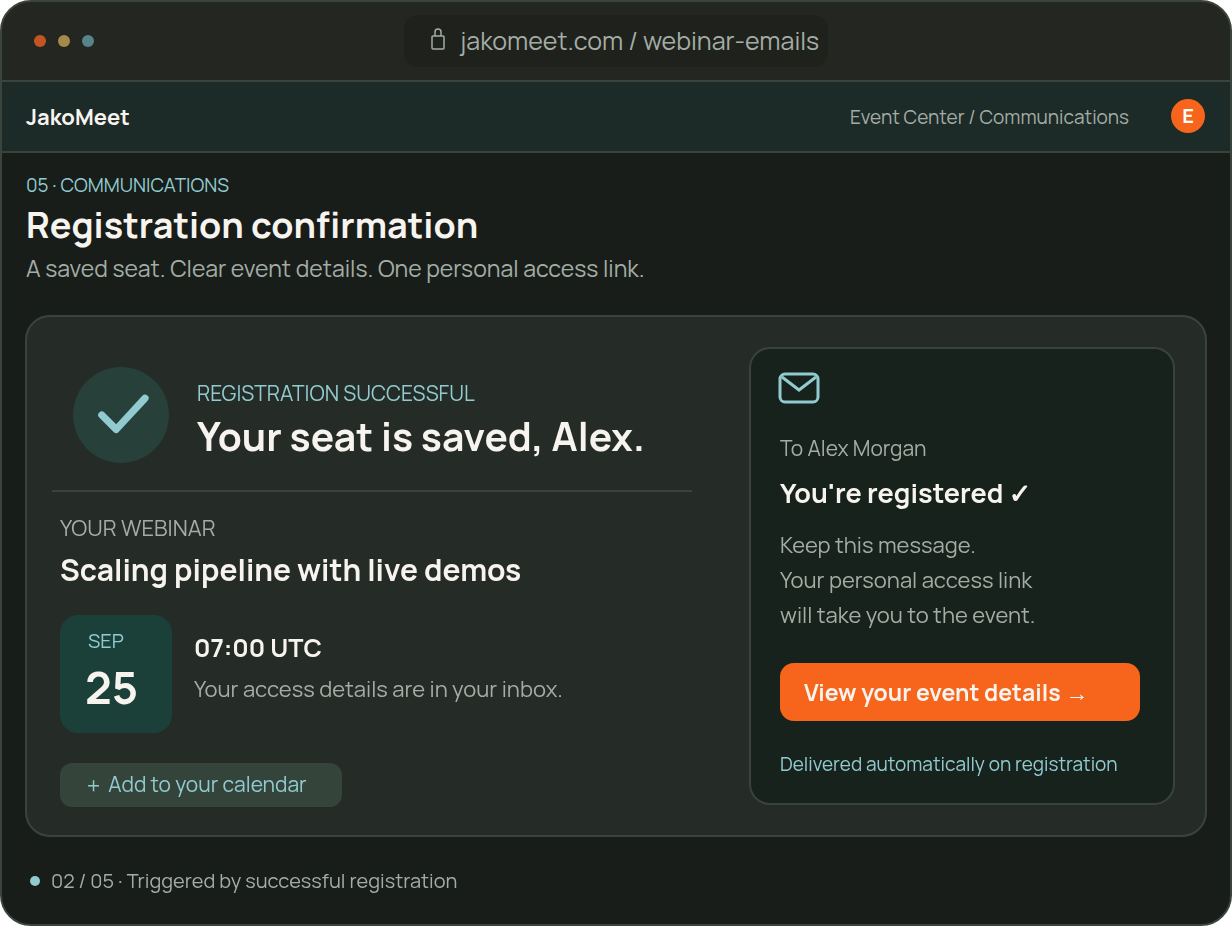
MESSAGE 02 / 05
Registration confirmation
Confirms the seat and shares the event address registrants will use to join.
On registration
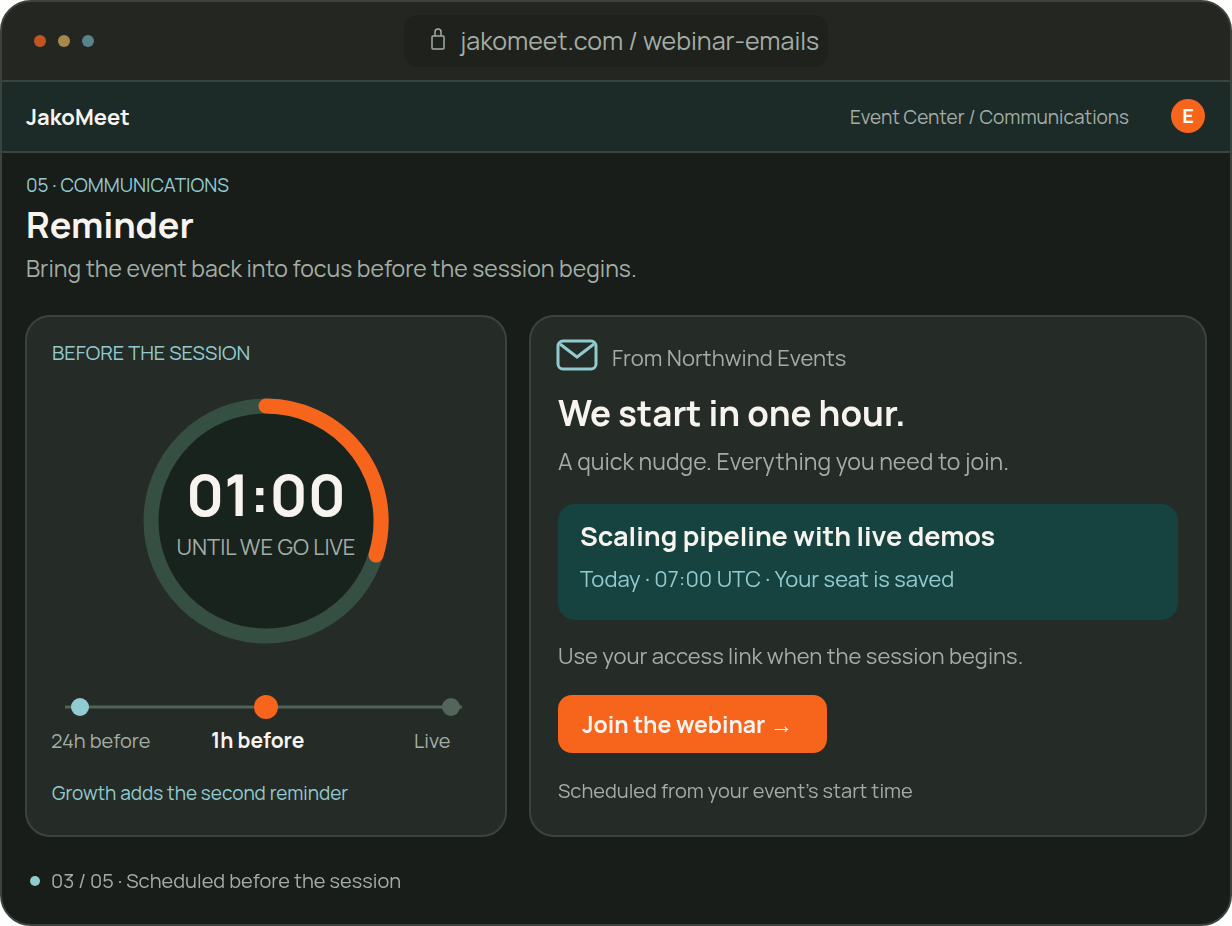
MESSAGE 03 / 05
Reminder
Reminds registrants the day before the session.
Before the session
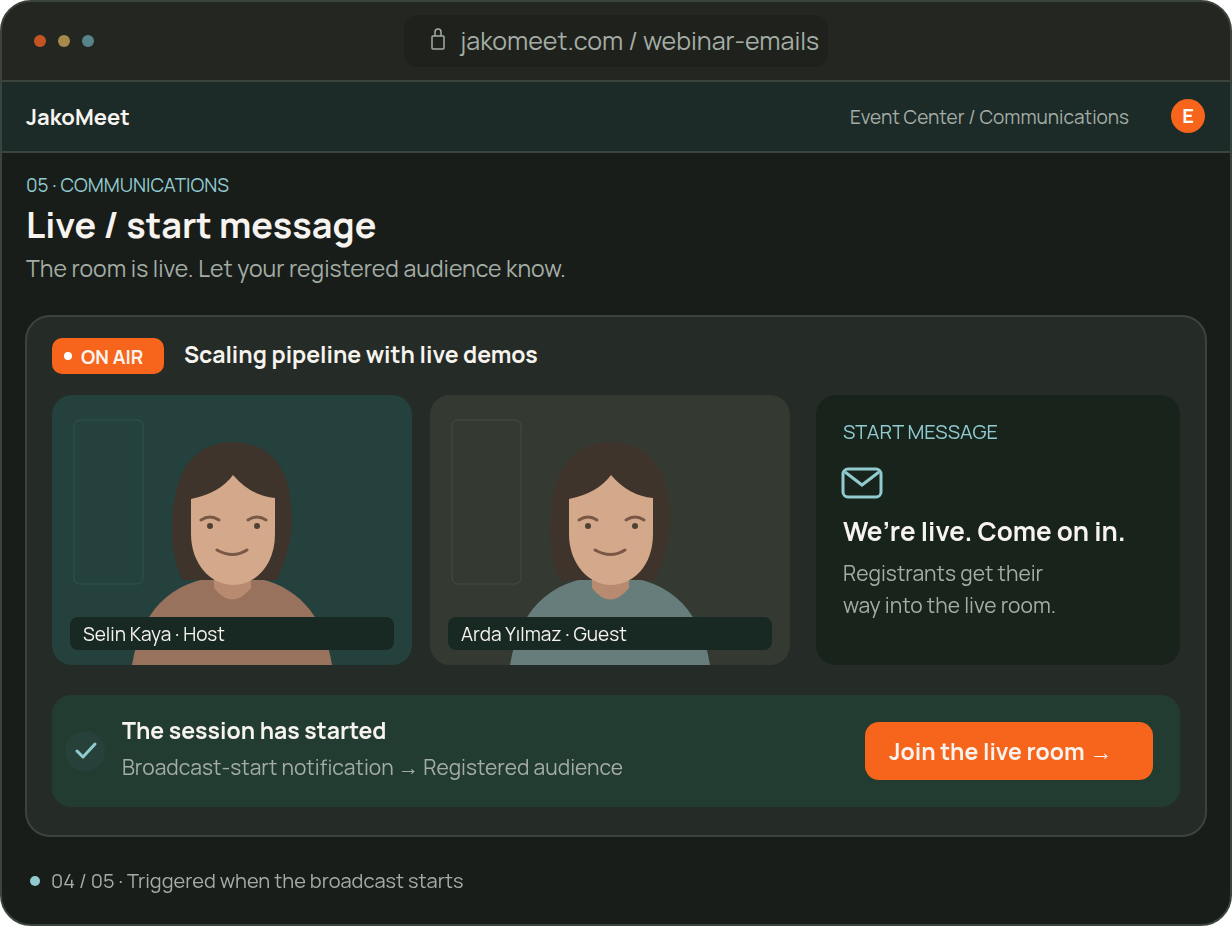
MESSAGE 04 / 05
Webinar Start Notification
Tells registrants the session has started and gives them the way in.
As the webinar goes live
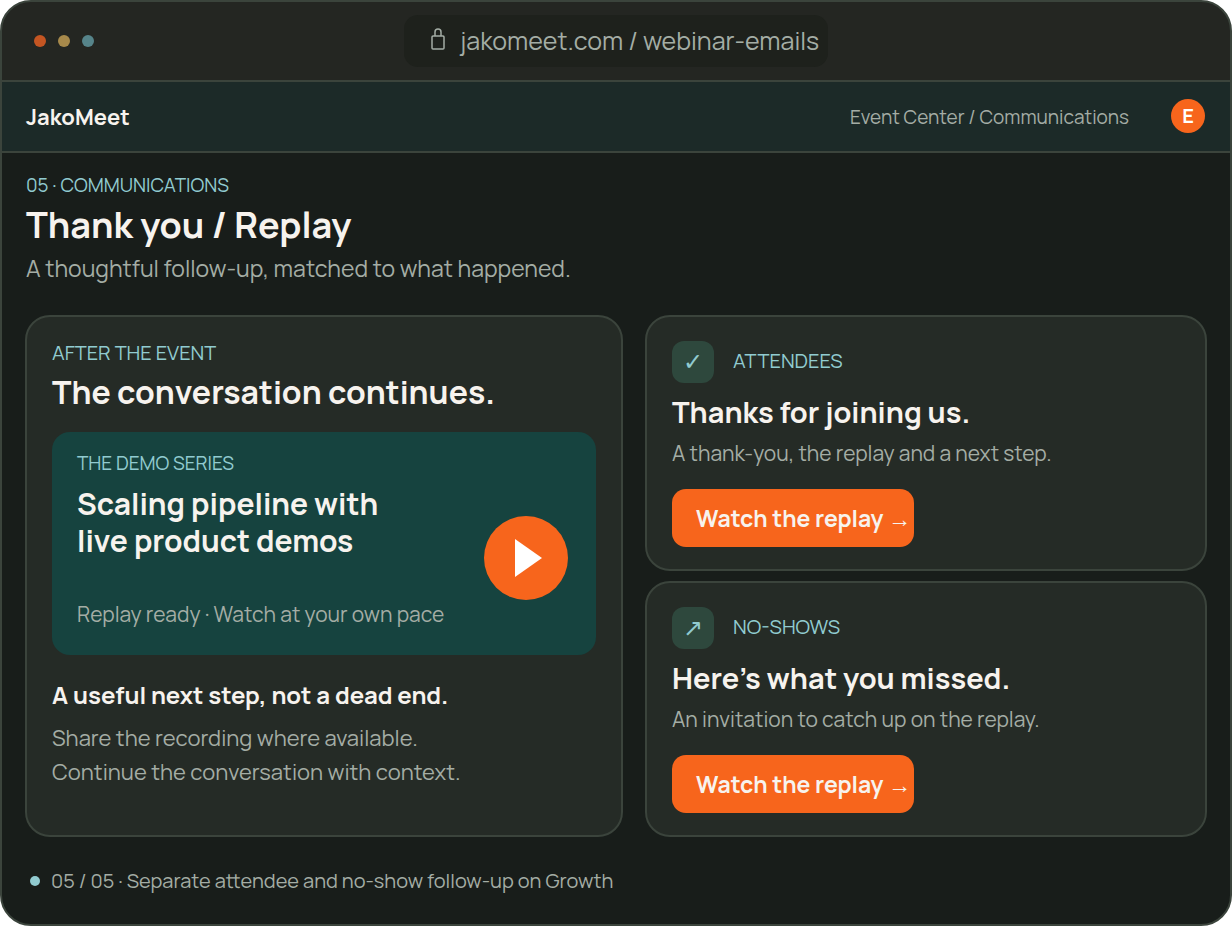
MESSAGE 05 / 05
Replay and Follow-Up
Shares the replay. On Growth, attendees and no-shows each get their own follow-up.
After the event ends
If the date changes or a registration is removed, JakoMeet sends a system email for that too. The same sequence runs for a lead generation webinar or a customer onboarding session.
EMAIL CONTROLS
Control Email Tone and Enabled Messages
Choose the tone, preview or test each email and decide which automations run. The wording is pre-written for every email type and sent in the event language.
Choose a Tone and Preview the Email
Pick Formal, Casual or Friendly, preview the email with your event details filled in, send yourself a test and switch the automation on or off.
Hi Deniz,
We're live tomorrow. Your seat is saved. Join with your registration email.
Join the webinarReview the Plan’s Event Automations
See every automation for the event with its trigger: the confirmation on registration, the reminders before the session, the notice when you go live and the follow-up after it. Launch includes one reminder; Growth adds the 1-hour reminder and the attendance-based follow-up.
Review Delivery and Growth Email Metrics
Check that each email went out and reached its recipient. On Growth, see opens, clicks and bounces, and filter the log for rejected, deferred, suppressed or unsubscribed addresses.
As You Grow
What Growth Adds to the Sequence
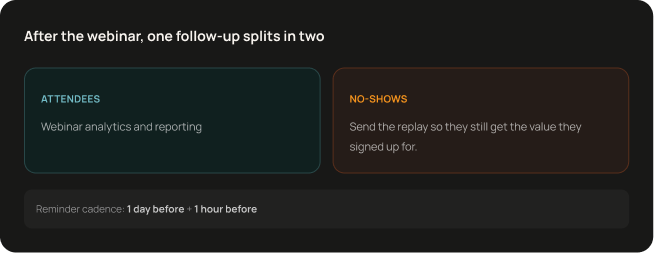
Growth adds a second reminder an hour before the session, a separate follow-up for attendees and for no-shows, and open, click and bounce metrics for every email.
FAQ
Frequently Asked Questions About Webinar Email Automation
JakoMeet works from registrations rather than imported lists. Share the event link in your own channels, use Audience Boost to reach new professionals, and track each registration source in the report.
Share the event address in your own channels, such as newsletters, social posts and sales emails, and use Audience Boost to invite matching professionals from the JakoMeet network. On Growth, people can also register on the replay page after the event.
A registration confirmation, reminders before the session, a notice when you go live and a follow-up afterwards, plus system emails when the date changes or a registration is removed. Launch includes one reminder; Growth adds a second one and a separate follow-up for attendees and no-shows.
No. Event emails are pre-written for each purpose and sent by the automations you switch on. AI drafts the event page, not the emails.
Launch sends one reminder, 24 hours before the session. Growth sends two: 24 hours and 1 hour before.
Yes, on Growth. Attendees get one follow-up and registrants who did not attend get another, each with the replay link once the recording is ready.
Sending status and failures for every email. Growth adds opens, clicks and bounces. Email metrics are shown separately from the webinar report.
Yes. Recipients can unsubscribe from event emails, and the delivery log shows unsubscribed addresses.
Explore Webinar Email Automation
Every email in the sequence belongs to the event, so registrants hear from you at the right moments without a separate email tool.