
EVENT STRATEGY
What Is a Webinar? Meaning, Formats, and How It Works
A webinar is an online seminar or presentation in which one or more speakers share information with an audience through audio, video, slides, or a screen demonstration. Attendees usually watch in a separate audience role and may…
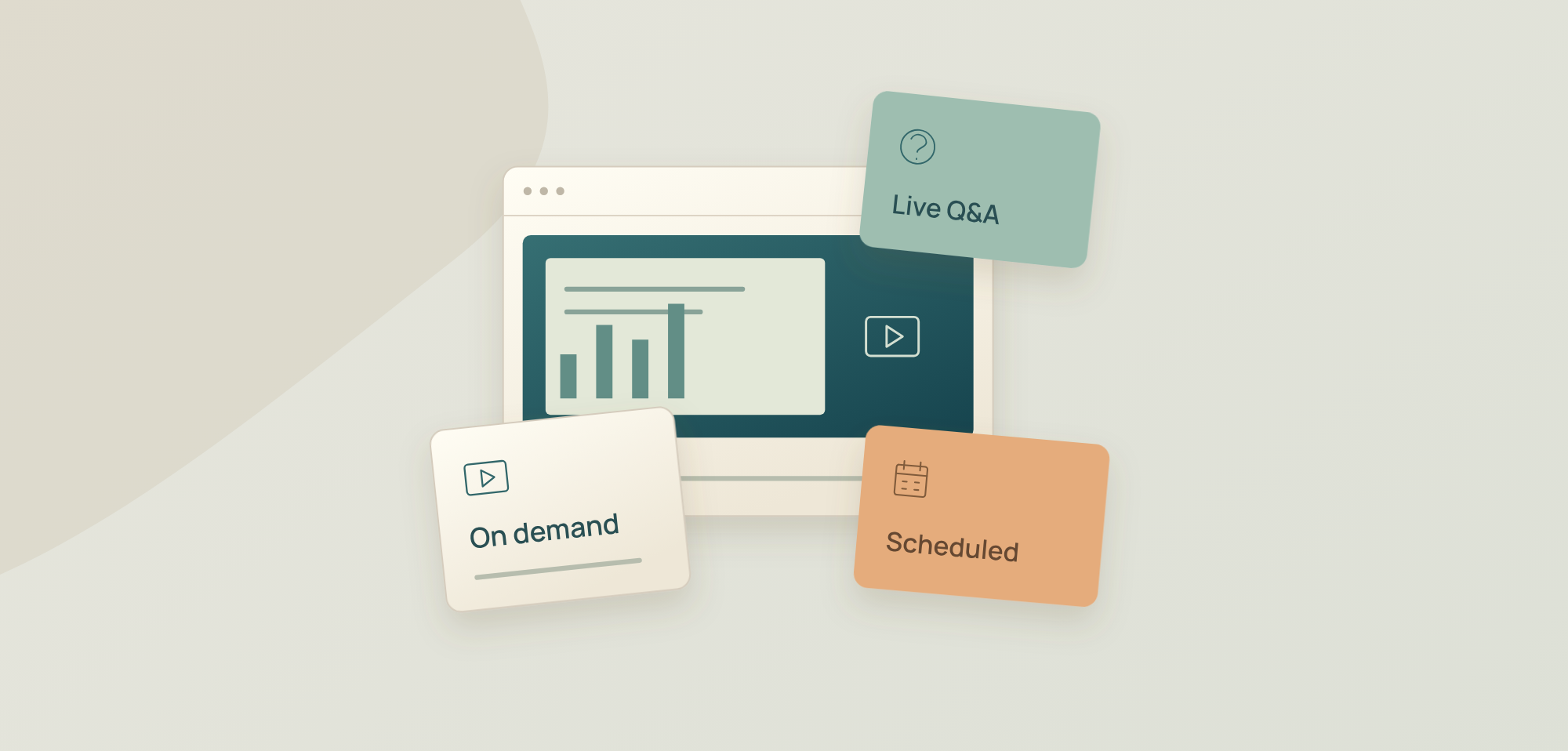
A webinar is an online seminar or presentation in which one or more speakers share information with an audience through audio, video, slides or a screen demonstration. Attendees usually watch in a separate audience role and may participate through questions, chat or polls, depending on the platform and the event's settings. [1] [2]
For a B2B team, a webinar might explain an industry problem, demonstrate a product workflow or teach customers how to complete a task. The audience needs a clear reason to attend: a question answered, a process explained or a skill they can use afterwards. Webinars can be live or recorded, and understanding how content is delivered and how people can participate helps you choose the right format before you start planning an event.
How Does a Webinar Work?
From an attendee's perspective, a webinar is a way to access a session, watch the speakers and use the participation tools the organiser provides. The exact joining process and permissions depend on the platform. [3]
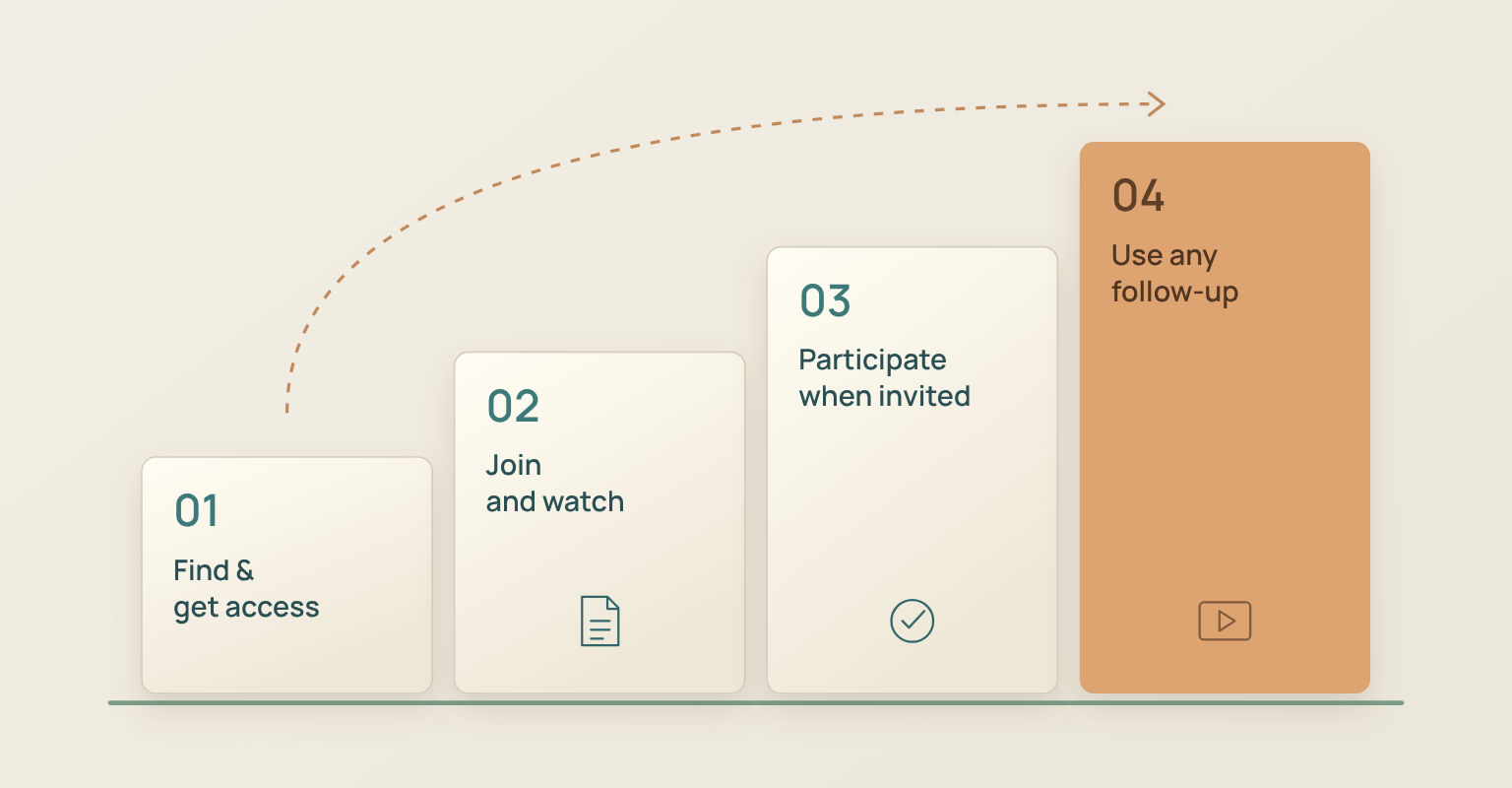
- Find the session and get access. An invitation or event page explains the topic, speakers and access conditions. Some webinars require registration; others provide an open or restricted link. For a scheduled event, check the date, time and time zone.
- Join and watch. Use the event link and follow its browser or app instructions. Speakers share their camera, presentation or demonstration while the audience watches.
- Participate when invited. Submit a question, respond to a poll or use chat if those tools are enabled. Audience access to a microphone or camera is controlled separately.
- Access any follow-up material. If the organiser offers a replay or resources, use the access details they provide. A replay is an event option, not a guarantee for every webinar.
The people delivering the session also have different jobs. A presenter explains the content. A host controls the event. A moderator manages questions and the conversation. One person may fill more than one role; a panel or a sensitive demonstration may need separate people. If you are responsible for delivering the session, use our guide to hosting a webinar for the live operating details, including rehearsals, speaker handoffs and handling interruptions.
Webinar vs Meeting vs Webcast
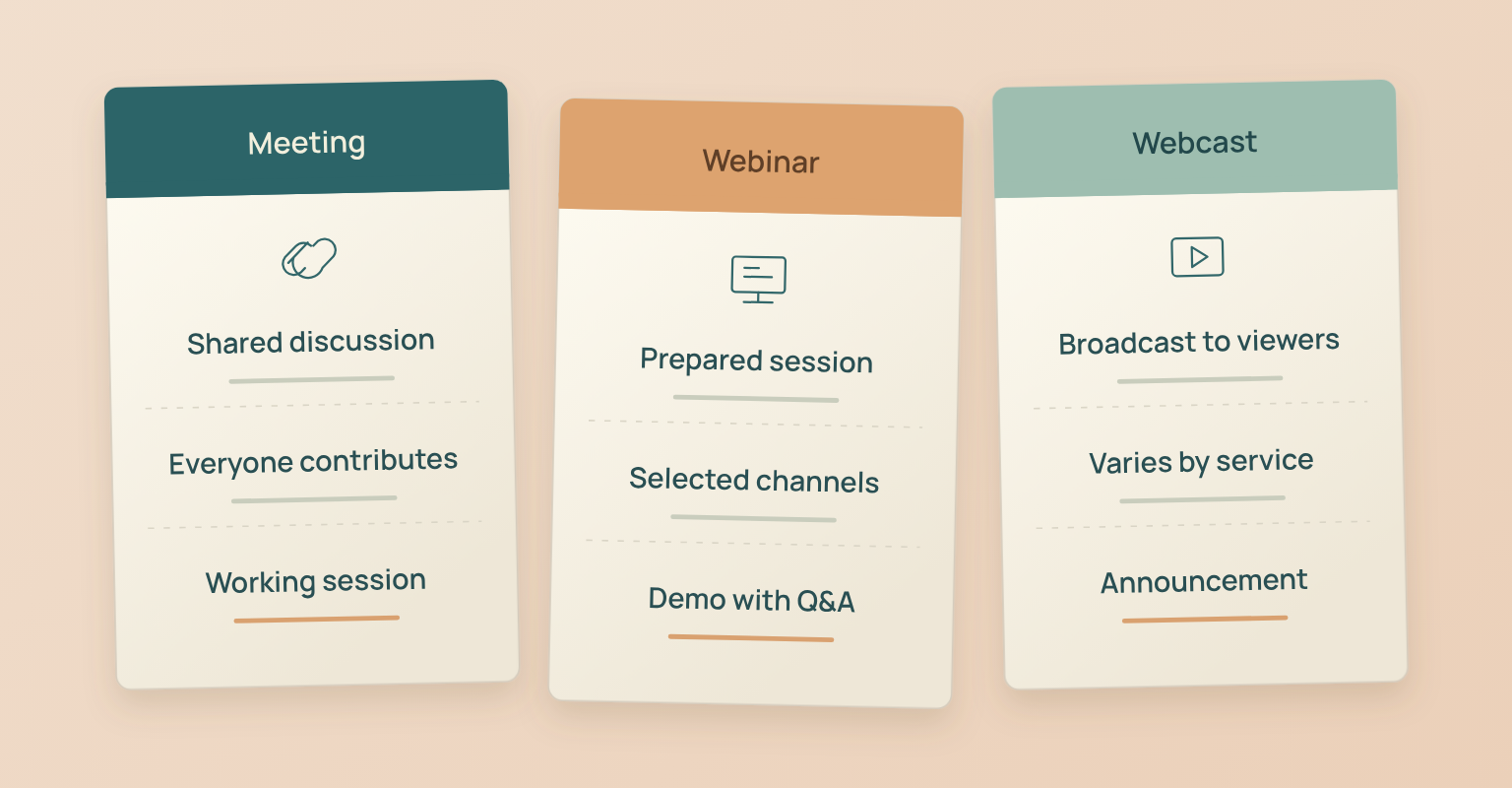
The most useful distinction is how people are expected to participate. A meeting usually supports a shared discussion. A webinar organises a presentation for an audience. A webcast emphasises streaming content to viewers. Product labels and interaction features overlap, so check the actual event experience. [8]
| Format | Typical Participation | Example of a Good Fit |
|---|---|---|
| Online meeting | Participants contribute directly to a shared discussion. | A customer discovery call or working session. |
| Webinar | Speakers lead a session; audience participation uses selected channels. | A product demonstration with audience questions. |
| Webcast | Content is streamed to viewers; participation varies by service. | An announcement whose main purpose is viewing. |
An event with ten viewers can still be a webinar. A large meeting does not automatically become one. Ask whether the audience is there to follow a prepared session or to work together on the outcome. A product team explaining a new reporting workflow to customers could use a webinar; if the same team needs each customer to share their screen and discuss a configuration problem, a meeting or smaller workshop fits better.
Webinar Delivery Models
These terms describe delivery models. They are different from content formats such as a panel discussion or product demonstration. A panel can be delivered live, then made available as a recording.
Live Webinars
In a live webinar, speakers deliver the main session in real time. Attendees join at the scheduled time and use the interaction tools that are enabled. Live delivery fits questions that benefit from an immediate response, an unfolding discussion or a demonstration shaped by audience input. [3] A presenter might demonstrate a reporting workflow, then answer questions about which data belongs in a particular view. That real-time exchange is part of the value and cannot be assumed for a recording.
On-Demand Webinars
An on-demand webinar is a recorded session that viewers access when they choose, subject to its access conditions. It may be a replay of a live event or content recorded specifically for later viewing. Access can still require registration: Zoom's on-demand workflow, for example, keeps registration open after a recorded webinar and gives later registrants access to the recording. That is a platform-specific workflow, not a requirement for every on-demand webinar. [4]
A recording can explain a recurring customer task without asking viewers to attend at one shared time. Its access period, content accuracy, captions and route for questions still need consideration.
Scheduled Pre-Recorded Webinars
Some platforms play pre-recorded content at a scheduled time, often described as an automated or simulive webinar. The audience joins together, but the main presentation has already been recorded. That does not necessarily mean every interaction is automated: Zoom's simulive documentation, for example, allows hosts and panelists to join for live chat or Q&A. Availability depends on the platform and configuration. [5]
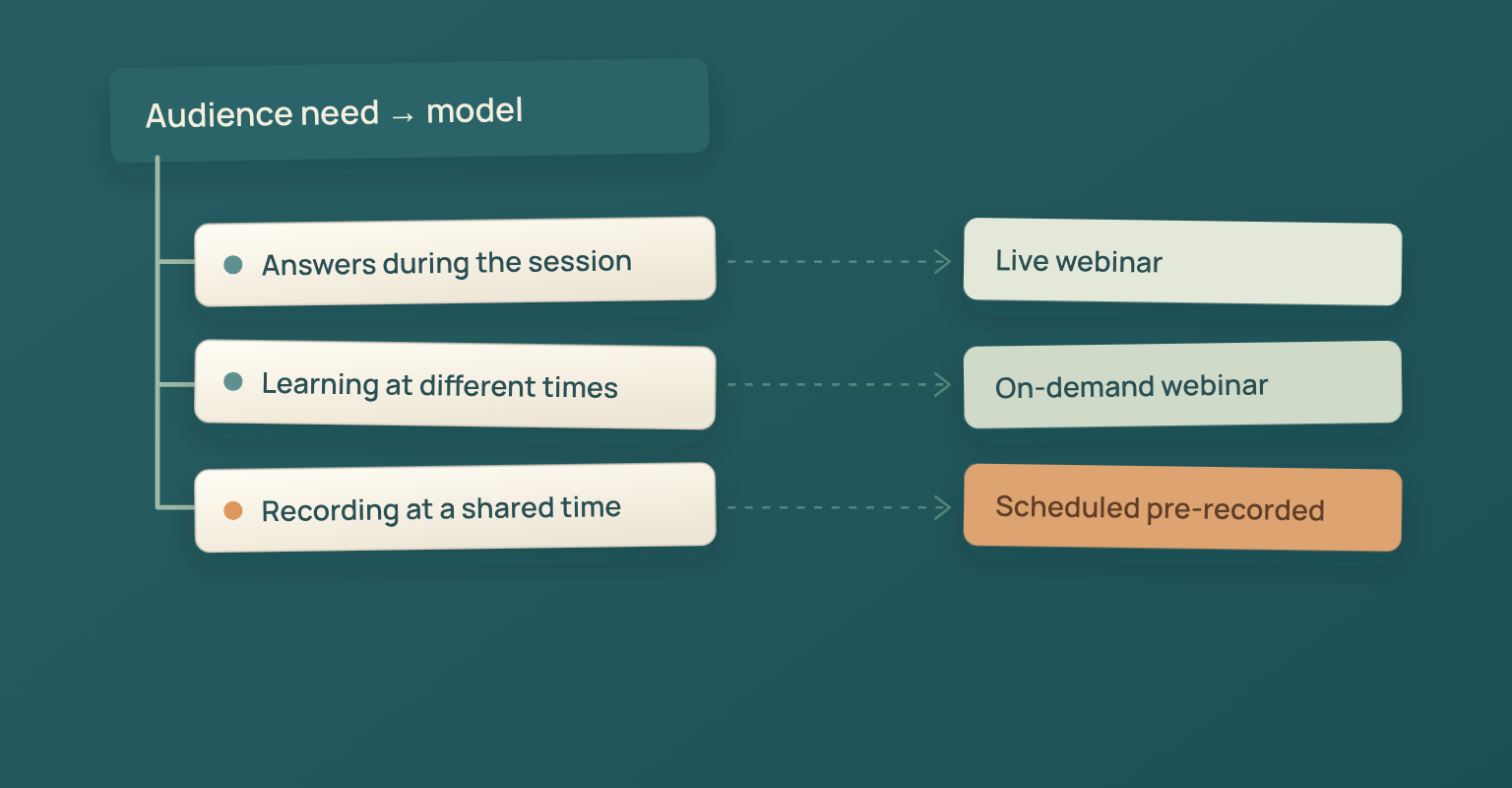
The event page should explain whether the presentation is recorded and whether questions will be answered during the session or afterwards. Choose software that supports the model you intend to deliver; a live webinar platform does not automatically provide scheduled playback. The table below connects the delivery model with the audience's needs.
| Audience Need | Model to Consider | What to Clarify |
|---|---|---|
| Questions need answers during the presentation. | Live webinar | Who will answer and how questions are submitted. |
| Viewers need to learn at different times. | On-demand webinar | Access period and how viewers can ask a question. |
| A recorded presentation should run at a shared time. | Scheduled pre-recorded webinar | Whether a person will be available for live interaction. |
Common Webinar Content Formats
Once you understand the delivery model, choose a content format that serves the audience's question rather than the one that is most familiar.
- Presentation: A speaker explains a topic with examples, slides or a demonstration. It suits a focused question with a clear teaching sequence.
- Panel or interview: A moderator brings out different perspectives or an expert's experience. It suits a question where judgement and context matter.
- Product demonstration: A presenter shows how a product supports a particular task. Keep the example specific enough that viewers can follow the starting point and the result.
- Customer training: A speaker teaches an existing customer audience how to complete a task or use a workflow. Make the intended skill clear before registration.
A webinar may combine formats: a short presentation can lead into an interview or demonstration. For a product session, our live demo script template explains how to build the demonstration itself.
Three B2B Webinar Examples
These illustrative B2B scenarios connect an audience task with a webinar format and a useful way to participate.
| Audience Task | Webinar Example | Useful Participation |
|---|---|---|
| Evaluate a reporting workflow. | A product demonstration shows how a manager reviews a weekly report. | Questions about the workflow’s inputs and limitations. |
| Complete a recurring customer task. | A training session teaches administrators to set up a shared team workspace. | A question channel for confusing steps. |
| Understand a decision with several viewpoints. | A moderated panel compares ways to improve handoffs between teams. | Audience questions about tradeoffs in their own context. |
The examples stay narrow on purpose. "Learn how to review a weekly report" gives viewers a concrete outcome; a broad promise such as "transform your business" makes it harder to judge whether a session is relevant. The participation method should support that outcome: a demonstration may need questions about exceptions, a panel may need a moderator to select questions that deepen the discussion. Adding every available interaction tool does not by itself make the session more useful.
What Do You Need to Attend a Webinar?
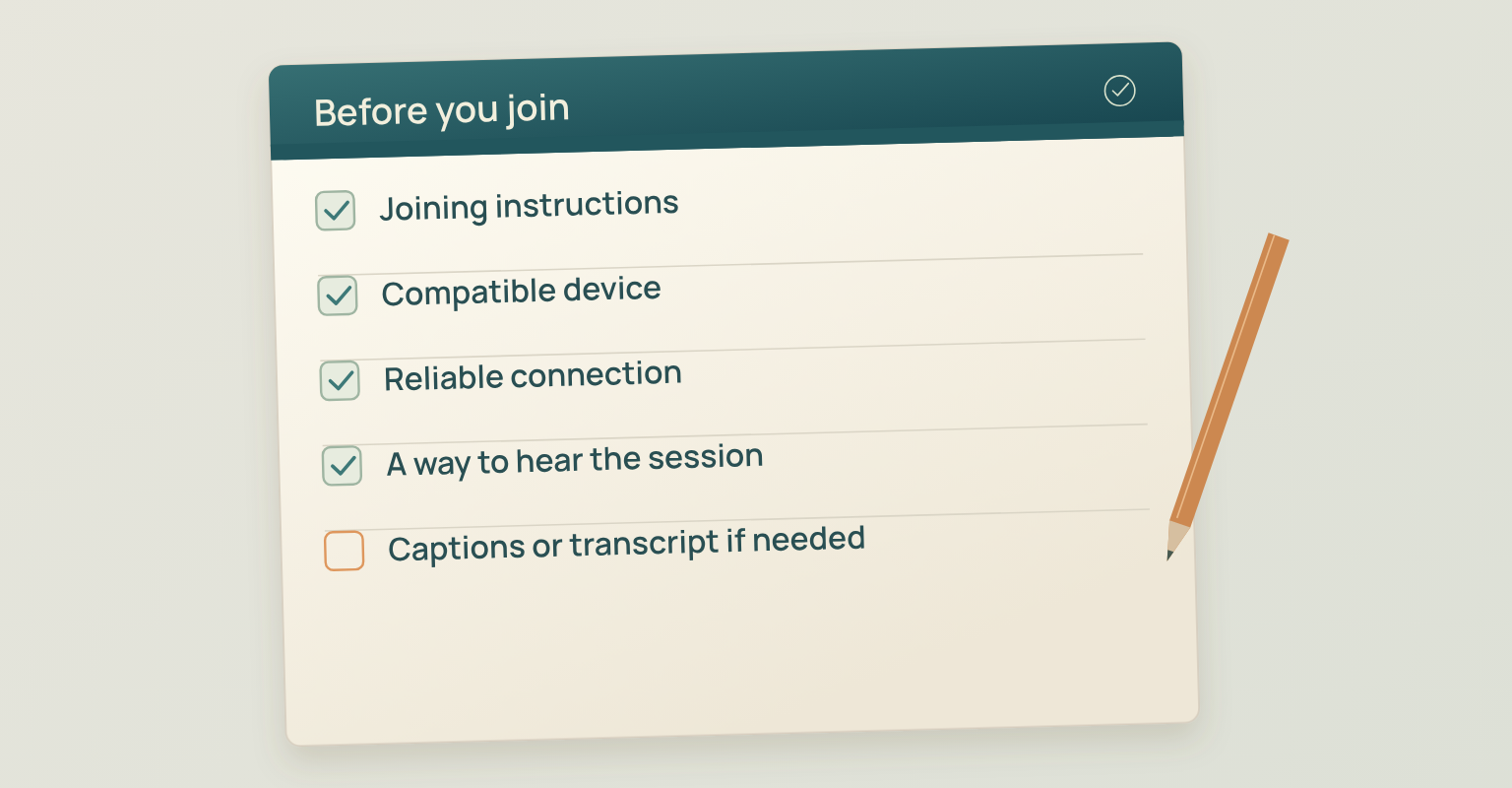
Start with the joining instructions. You generally need a compatible device, a reliable internet connection and a way to hear the session. App requirements and permitted devices vary, and your camera and microphone may not be needed when you join in an audience role. [3]
Check accessibility arrangements before the event if you need them. Captions provide a text version of speech and relevant sounds; a transcript provides a separate text version that can also explain important visual information. W3C's guidance describes both, including the need to check caption accuracy when publishing a recording. [6] [7] Organisers should explain which accommodations and materials are available instead of assuming the video is accessible to everyone. A transcript helps someone review a session, but it does not replace synchronised captions for a person following the video.
When Is a Webinar the Right Choice?
A webinar is a useful option when you have a defined topic, a group that needs the same explanation and a presentation that benefits from a shared audience experience. It can also work as a recorded teaching resource when real-time participation is optional. Before choosing the format, ask three questions:
- What should attendees understand or be able to do afterwards? State one concrete outcome.
- Do people need a shared explanation or an individual conversation? A group presentation serves the first; a meeting may better serve the second.
- What participation is necessary? Decide whether written questions are enough or whether attendees need to speak, share work or practise together.
After that decision, use the webinar planning checklist to build the event. If a recording will have a continuing role, the webinar content repurposing guide covers what to do with it. To evaluate the event afterwards, use the event marketing metrics guide for the relevant definitions and calculations.
How JakoMeet Supports a Live Webinar
JakoMeet's live webinar features provide a Control Room for camera and microphone checks, speaker layouts and sharing a screen or presentation. Guest speakers join through an invite link without creating an account. Audience interaction uses chat and moderated Q&A, with one poll per webinar on Launch and two on Growth. After the recording is processed, registered viewers can watch the replay from the event page; on Growth, new viewers can still register while the replay is available.
See how JakoMeet works to explore the product workflow from event setup to follow-up.
Frequently asked questions
Does a Webinar Have to Be Live?
Can Other People See You During a Webinar?
Usually, audience members watch with their cameras off and microphones muted. Presenters appear on screen. The exact permissions depend on the platform and the organiser's settings, so check the joining instructions before the event. [3]
Can Attendees Speak During a Webinar?
Some webinars let attendees ask to speak or be invited into a speaking role; others use written questions. Speaking permissions are controlled by the host and platform. A Q&A box does not automatically mean your microphone is enabled. [3]
Do You Need to Install an App to Attend a Webinar?
It depends on the platform and your role. Some events provide browser access, while others use a desktop or mobile app. Follow the event’s joining instructions and check your device before the session.
Are Webinars Free?
Some webinars are free to attend; others require a ticket, subscription, or customer access. The registration page should state the price and access conditions. The webinar format itself does not determine whether an event is free.
Is a Webinar the Same as a Virtual Event?
A webinar is one kind of virtual event. “Virtual event” is a broader label that can also cover online conferences, multiple sessions, networking, and workshops. A single presentation with audience questions may be a webinar within a larger event.
Sources and Further Reading
-
Merriam-Webster: Webinar (opens in a new tab)
Dictionary definition of a webinar as a live online educational presentation with viewer questions
-
Cambridge Dictionary: Webinar (opens in a new tab)
Dictionary definition of a webinar as an online session a group joins at the same time
-
Zoom Support: Getting Started with Zoom Webinars (opens in a new tab)
Attendee roles, joining and participation controls in one webinar platform
-
Zoom Support: Using On-Demand Webinars (opens in a new tab)
A platform-specific on-demand registration and replay workflow
-
Zoom Support: Hosting a Webinar with Pre-Recorded Content (opens in a new tab)
Scheduled playback of pre-recorded content with live chat and Q&A
-
W3C WAI: Captions and Subtitles (opens in a new tab)
What captions should include and why accuracy must be checked
-
W3C WAI: Transcripts (opens in a new tab)
Transcripts as a separate text alternative that can describe visual information
-
Webex Help: Compare Webinar and Webcast Mode (opens in a new tab)
How one platform distinguishes webinar and webcast participation